CANVA GRAPHIC IMAGE DESIGNER ONLINE
“It always seems impossible until it’s done.”
— Nelson Mandela.
This is the first post. I’m just getting this new blog going, so stay tuned for more.
Let’s speak about that part of Marketing Activities that depend on Graphics so:
- Catalogues and Brochures
- Social Media Images, Posts, Covers, Avatars
- Presentations and Presentations Lay-outs
- Posters, Pictures to frame and labels
- A4 Press notes, Communications, Press releases
Firstly go to https://www.canva.com/ – you’ll find a great selection of predesigned projects of any kind divided in categories such as: Social Media, A4, Wide Skyscraper Ads, Facebook App Graphics, Reports, Flyers, Twitter Graphics, Resumes, Letters of Motivation, Presentations etc.
You can select here what you want to create or you can also insert the dimensions of your graphic in pixels, centimeters etc. and start from a blank predimensioned paper and fill it in.
As soon as you select the project or the dimensions, Canva (based on the size or theme of your project) will recommend you a lot of available designs where once you change the colors, adjust the text and add your own images, you will obtain what you wanted.
Let me show it to you with an example:
here’s canva.com after you create your free account:
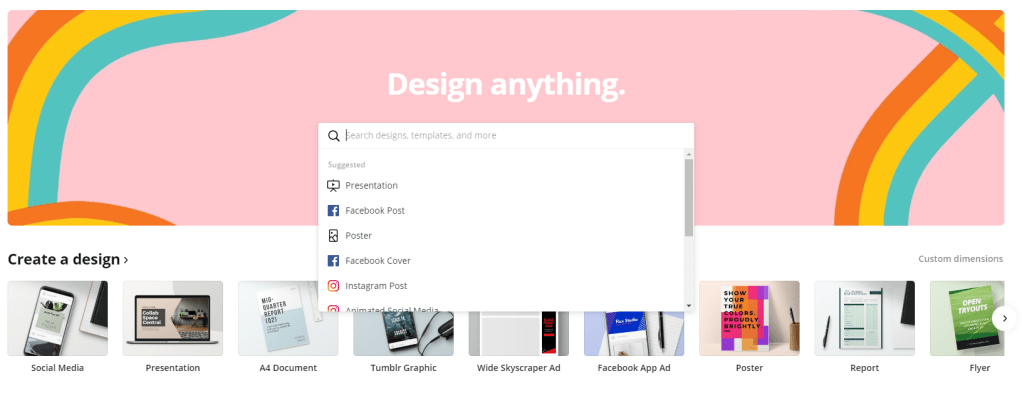
Choose generic Social Media:
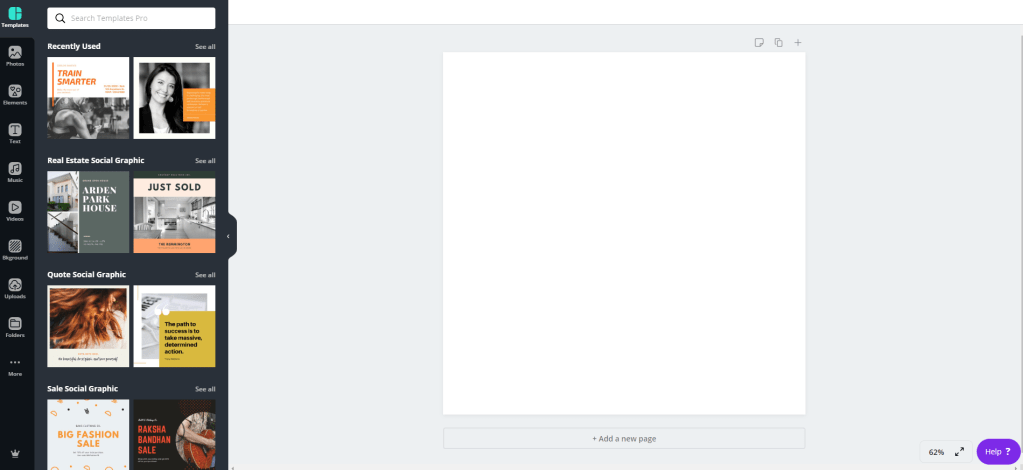
Choose an interesting design and start editing it:
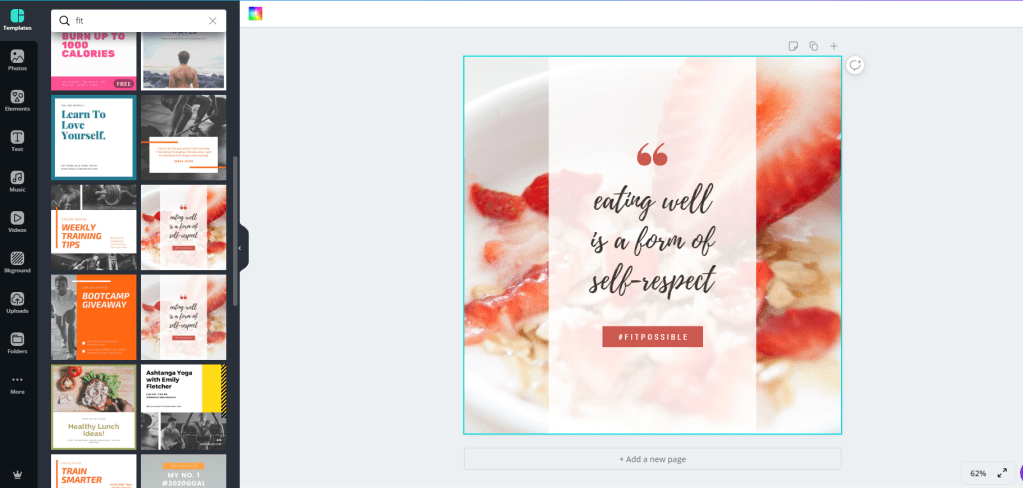
Let’s say you are a “fitness”-“healthy-life” influencer or something similar…you take this post, edit some text, maybe add another free image and you are ready to go. Download it in the format and size you wish and start posting, printing and boosting it.
On the left of your project you have the dashboard you need:
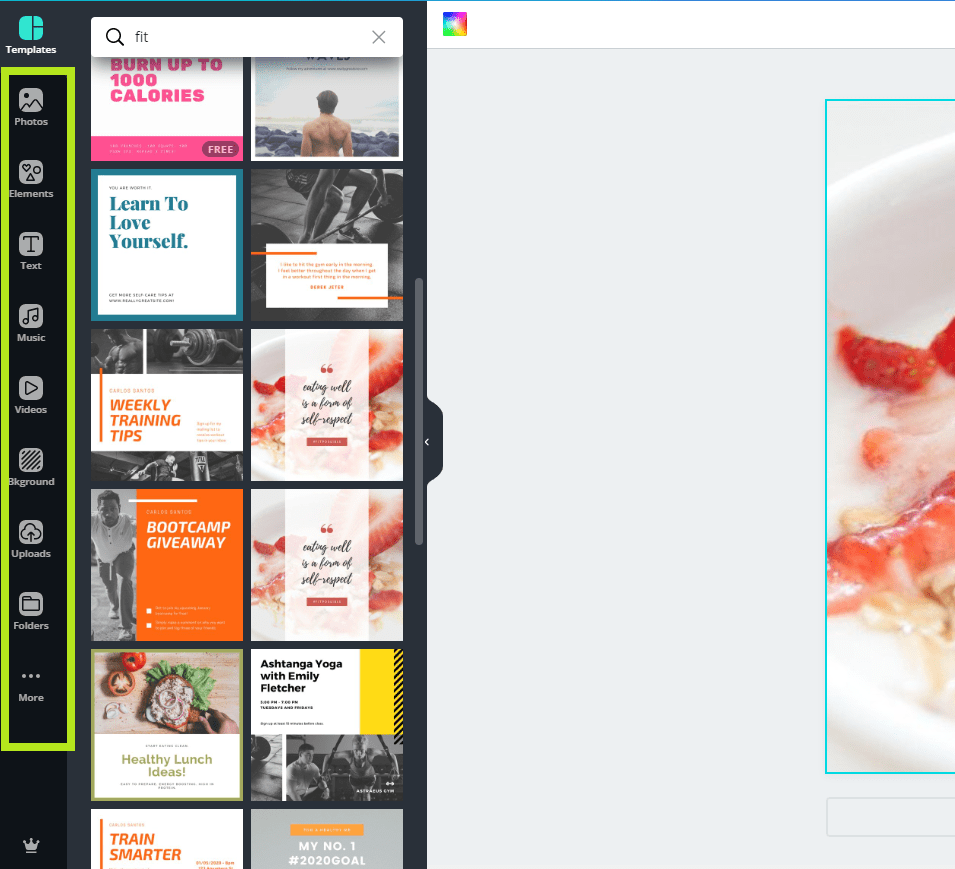
Here you can choose from some free Photos or even not for free but still available-to-buy photos; some different graphic Elements such as geometric solids, Frames where to put your pictures and move them along the project, icons, gifs, tables etc. On the dashboard you can also find some music for your short videos, backgrounds and one of the most important things – your personal stash of stuff you have uploaded in Uploads.
TIPS
My advice is to start using it for free but soon you will realize that paying just around 12 dollars a month you can obtain much more features to use. Much more photos, icons, graphic elements and themes.
The best thing about using Canva is the fact that you can save a large amount of time in creating your graphic projects and many times you can obtain a lot of inspiration from the projects that already esist in it.
I tried using many other offline and online graphic programs but as of now I really consider it to be the best one on-line. In parallel with it I also use Online Image Editor ( https://www.online-image-editor.com/ ) for creating transparent backgrounds in basic pictures and VistaPrint ( https://www.vistaprint.com/ ) to finish and print and create my physical projects such as posters, t-shirts, mugs, calendars, labels, etc.
Thanks for reading this, what other ideas can you add to this list that I may have not mentioned?
Have a nice day and remember to recycle!
Dave P.
 The Great Marketer